You've been here before.
You download a new productivity app, Todoist, Things, Notion, TickTick, some beautifully designed system with colour-coded labels and satisfying checkboxes, and for about four days, you're unstoppable. You're tagging tasks by priority, blocking time in your calendar, building the perfect workflow. You feel organized. You feel like a functional adult.
Then life happens. You forget to open the app for two days. Then four. Then you open it, see forty-seven overdue tasks staring back at you, close it immediately, and never open it again.
Sound familiar?
Here's the thing: it's not a willpower problem. It's not laziness. It's not that you're "bad at productivity." It's that virtually every to-do list app on the market was designed for a brain that works very differently from yours.
The ADHD Brain Isn't Broken, It's Just Wired Differently
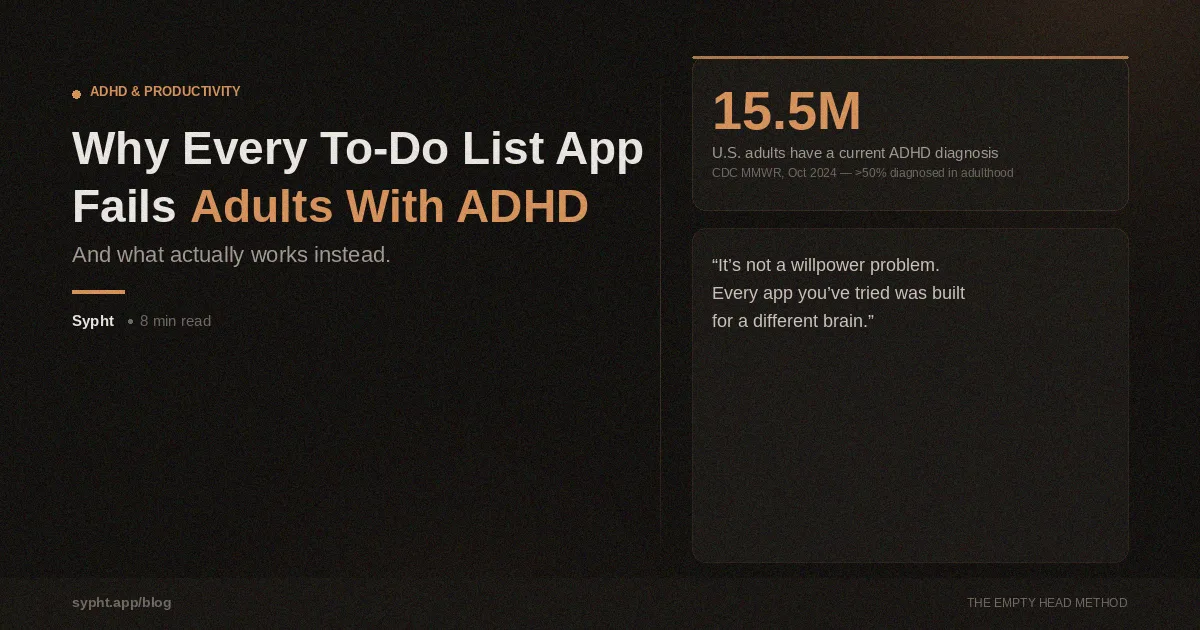
As of 2023, an estimated 15.5 million U.S. adults, about 6% of the population, have a current ADHD diagnosis. And notably, more than half received that diagnosis in adulthood, often after years of thinking they were just "disorganized" or "lazy" or "not trying hard enough."
ADHD is a neurodevelopmental condition, which means it affects how your brain is physically structured and how it processes information, not how hard you're trying.
The core issue isn't attention, exactly. Research consistently shows that the deficits primarily involve executive functions: the cognitive processes that help regulate behaviour, control impulses, and plan and organize tasks. These specifically concern inattention, cognitive flexibility, inhibition, and, critically, working memory.
Working memory is your brain's short-term scratchpad. It's what holds the thought "I need to reply to that email" while you're doing something else. For most people, that scratchpad has enough space to keep a few things queued up without losing them. For adults with ADHD, studies using neuroimaging have found decreased functional connectivity during working memory tasks, with abnormalities in widespread brain networks that underlie verbal and visuospatial working memory.
In plain English: items fall off the scratchpad. Constantly.
Why don't to-do lists fix this?
Here's the fundamental mismatch.
A to-do list app assumes you can do five things reliably:
Remember to capture a task when it occurs to you
Decide where it goes and how to categorize it
Prioritize it against everything else already on the list
Remember to open the app and consult it later
Choose which task to start when you have free time
Every single one of those steps relies heavily on working memory and executive function, the exact systems that ADHD disrupts.
So when you "forget" to log a task, or open the app and stare at the list unable to decide what to do first, or just avoid the app entirely because it feels overwhelming, that's not failure. That's your ADHD brain doing exactly what ADHD brains do when you give them a system that requires them to do the organizing work themselves.
Traditional productivity systems like GTD (Getting Things Done), time-blocking, or the Pomodoro Technique were designed by and for people whose brains can hold information reliably, tolerate ambiguity, and make prioritization decisions without triggering decision fatigue. They're brilliant systems, for neurotypical brains.
For ADHD brains, they're a recipe for shame.
How does decision fatigue show up at every step?
Every productivity system asks you to make decisions. What category does this go in? Is it urgent or important? Does it belong in my personal project or my work project? Should I do it now or schedule it for later?
For most people, these are minor friction points. For an ADHD brain, each decision is an energy cost, and executive function is already running on a deficit. By the time you've categorized three tasks, you're exhausted. The brain takes the path of least resistance: close the app, think about it later, never think about it later.
This is what makes traditional task management not just ineffective for ADHD, but actively demoralizing. You set up the system. The system makes demands on the exact cognitive resources you don't have. You fail to maintain it. You conclude you're broken. You try a new app. Repeat.
What is cognitive offloading and why does it help?
There's a well-researched concept in cognitive science called cognitive offloading, the practice of moving information from your brain onto an external system, reducing the demand on working memory.
Writing things down is the simplest form of it. Grocery lists, reminder notes on the fridge, setting a calendar alarm, all cognitive offloading. You stop trying to hold information in your head and put it somewhere more reliable.
For people with ADHD, cognitive offloading isn't just a nice productivity trick. It's a functional necessity. When your working memory scratchpad is unreliable, the solution isn't to train yourself to hold more, it's to stop relying on it for storage entirely.
The thought capture is the ADHD-friendly version of this. Instead of carefully categorizing each task as it occurs to you, you get everything out of your head in one messy, unfiltered stream, tasks, ideas, worries, half-formed plans, the name of that thing you keep meaning to Google. All of it, out.
The relief is immediate and measurable. But then you're left with a pile of unorganized thoughts, which brings us back to the original problem. Unless something handles the organizing for you.
What if the app did the work for you?
This is the idea behind The Empty Head Method, the framework that Sukima is built on.
Instead of asking you to organize, categorize, and prioritize your tasks (the exact things your ADHD brain struggles with), Sukima asks you to do exactly one thing: get it out of your head.
You open the app, hit the microphone, and say whatever's on your mind. "I need to fix the bathroom faucet, call mom back, send the invoices, pick up dry cleaning, and I keep forgetting to book that dentist appointment." That's it. You're done with your part.
Sukima's AI, built on Claude, parses that stream and extracts each individual task. Then it automatically assigns a category (Task, Goal, Project, or Idea), a priority level, a location context, and generates three to five concrete action steps with time estimates for each one. No decisions required from you. None.
The result isn't just a list. It's a structured, prioritized action plan built from whatever was in your head, in about two seconds.
The Feature That ADHD Brains Actually Need
The thought capture solves the capture problem. But ADHD has a second, equally brutal problem: task initiation.
You know what you need to do. You just can't start. You sit down with good intentions and thirty minutes later you've reorganized your desk, checked your email four times, and opened YouTube. The task sits untouched.
This isn't laziness. It's a documented symptom of executive function impairment, the brain's inability to shift from "rest" to "task" without a strong enough activation signal. A long list of tasks doesn't provide that signal. If anything, a long list makes it worse.
Sukima's Pick feature is designed specifically for this moment. You tell it three things: how much time you have (15 minutes, 30 minutes, an hour), your current energy level (low, medium, high), and where you are (at your desk, out and about, at home). It returns a single task, not a list, one task, with a clear reason why: "This is due today" or "High priority, and you can do it from here."
One task. One starting point. No decision required.
For an ADHD brain that freezes in the face of too many choices, this is the difference between getting something done and getting nothing done.
Voice-First, Because Your Brain Doesn't Stop Moving
One more thing traditional apps get wrong for ADHD: they assume you'll be at a desk when you have a thought.
You won't. The thought will arrive when you're driving, washing dishes, in the middle of a different task, about to fall asleep. That's when ADHD brains are most active, the moment you step away from the thing you're supposed to be doing.
Sukima captures voice captures from anywhere. You can say "Hey Siri, capture this in Sukima" without unlocking your phone. The thought gets captured before it disappears, processed into a real task before you'd have gotten to a keyboard.
For ADHD adults, the window between "I just thought of something" and "I've completely forgotten what it was" can be seconds. Voice capture closes that window entirely.
It's Not About Being More Disciplined
If one more productivity influencer tells you that you just need to "build better habits," you have full permission to close that tab.
ADHD isn't a discipline problem. It's a working memory and executive function problem, and the solution isn't to do more cognitive work. It's to do less of it, deliberately, by offloading the tasks that drain your executive function onto a system that can handle them better than your brain can.
That's what Sukima is built for. Not for the person who needs a prettier to-do list. For the person who's downloaded seventeen to-do lists and is done pretending the next one will be different.
download it from the App Store
Sukima is on the App Store today. If you're ready to stop fighting your brain and start working with it, give it a try.
No spam. Just a heads-up when it's live, and early access.
Sources:
Staley BS et al. Attention-Deficit/Hyperactivity Disorder Diagnosis, Treatment, and Telehealth Use in Adults. MMWR, CDC. October 10, 2024.
Coghill D et al. Cognitive Impairment in Adult ADHD: Clinical Implications and Novel Treatment Strategies. PMC, 2025.
Moë A et al. Working Memory Related Functional Connectivity in Adult ADHD. NeuroImage: Clinical, 2024.
Willcutt EG et al. Executive Function Deficits in ADHD and Autism Spectrum Disorder. PMC, 2024.